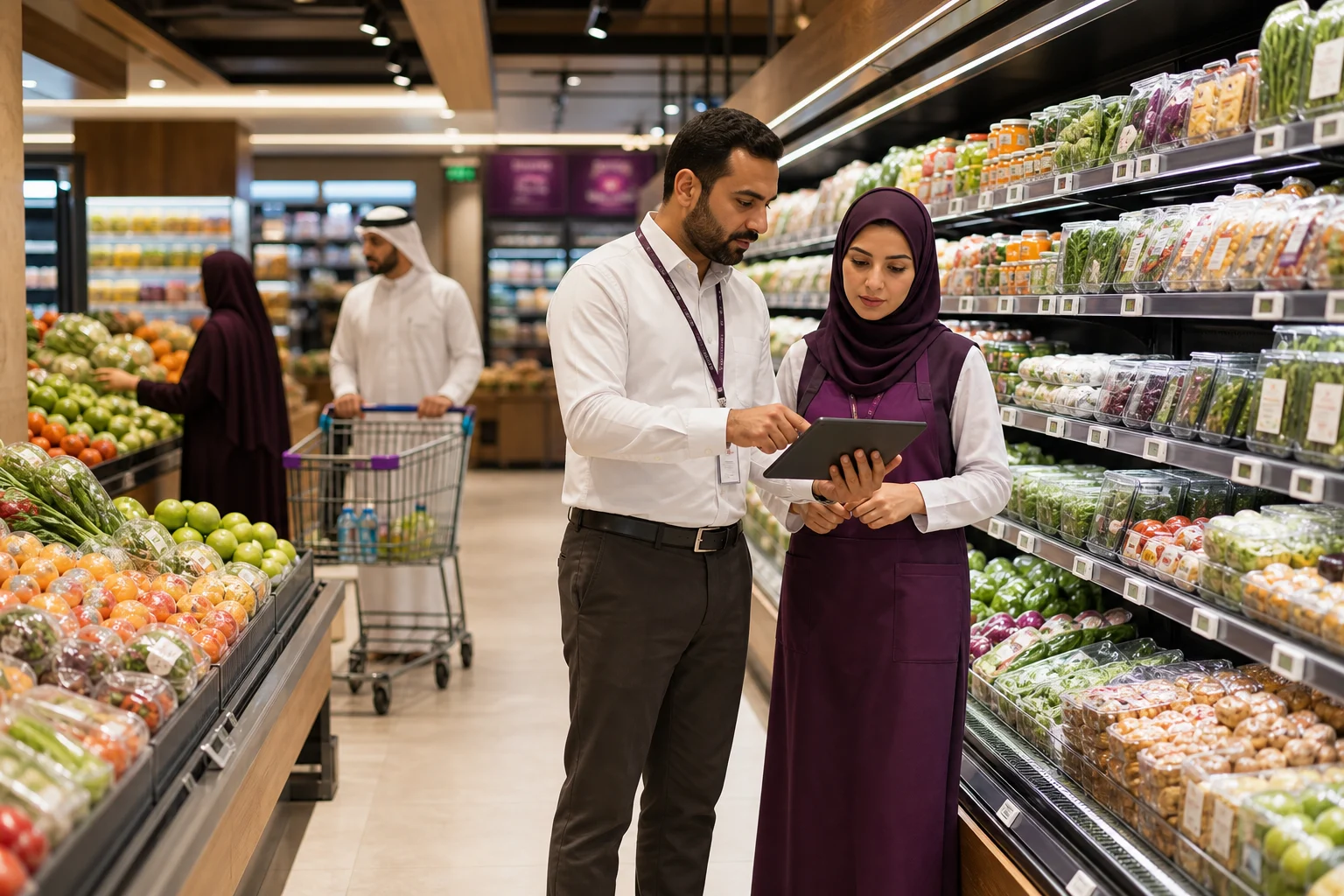
What customers cannot find cannot enter their decision.
Classification, description, and availability define the customer’s field of choice.
What happens, and what does it mean?
A product needs enough context to be understood across staff, shelves, and digital channels.
How does the capability work inside operations?
FoodTech keeps one product definition across catalog, point of sale, and inventory.
Smart Catalog
What it adds
Shared product definition across enabled channels
Categories, attributes, units, packs, and options
Availability and visibility by branch and channel
Alternative or complement signals where recommendation capability is enabled
How it appears in operations
How does this appear in daily work?
Hide an unavailable item
Publish a seasonal category
One product definition used by POS and a digital channel
Available in
Compatible plans
- Growth Flex
- Pro Branch
- Scale
- Enterprise
Connects with
Products it connects with
- Inventory
- FoodTech BI
- FoodTech Brain
- FoodTech Online
FAQ
What you need to know
Can Smart Catalog run on its own?
Smart Catalog has a clear role on its own, while its value expands when connected to the relevant FoodTech products under the selected plan and integrations.
Is every capability immediately available?
Availability depends on product state, plan, market, and enabled integrations. We label the current state and never present work in progress as generally available.
How do we begin?
We map the real operating flow first, then agree the starting point, configuration, integrations, and rollout scope.
Does the operation need a permanent internet connection to keep moving?
Connectivity should add capability, not become the operation’s power switch. Where Offline mode is supported, core work continues locally, events are retained, and synchronization resumes when connectivity returns. Operations that require live verification, including some payment or sensitive actions, remain Online by design. Offline scope varies by product, device, and activation; the goal is to keep work moving even when the network does not.
What if the internet is available — but slower than the operation?
FoodTech does not assume a perfect network. Where supported, every action does not wait for a full server round trip: local state, asynchronous (Async) synchronization, and safe retries keep work moving without duplicating operations. The team can continue what is safe to continue while the system catches up with the network; payments and other sensitive actions still require explicit verification when needed.
Before you start
How does the right product become easier to find?
Clear structure and availability narrow choice without hiding relevance.
Smart Catalog
See how this product takes shape inside your operation.
Classification, description, and availability define the customer’s field of choice.